


Getting started
Log into PrairieTest and activate your account when instructed by your professor. On the PrairieTest login page, select the University of California, Davis button and use your usual Kerberos login.
Reserve a time for your examination
When your professor indicates an exam is available, log into PrairieTest and select the green “make a reservation” button under "exams available for reservations." Select any available time slot within your exam window and click “reserve this session.”
You can change or delete your reservation up to 90 minutes before your scheduled exam by clicking your existing reservation and selecting “change” or “delete this reservation.” After that point, you will need to contact the University Testing Center via email at [email protected] or ask your professor to delete your reservation before you can rebook.
On exam day
- Arrive 15 minutes early at the University Testing Center (UTC), on the fourth floor of the Teaching and Learning Complex.
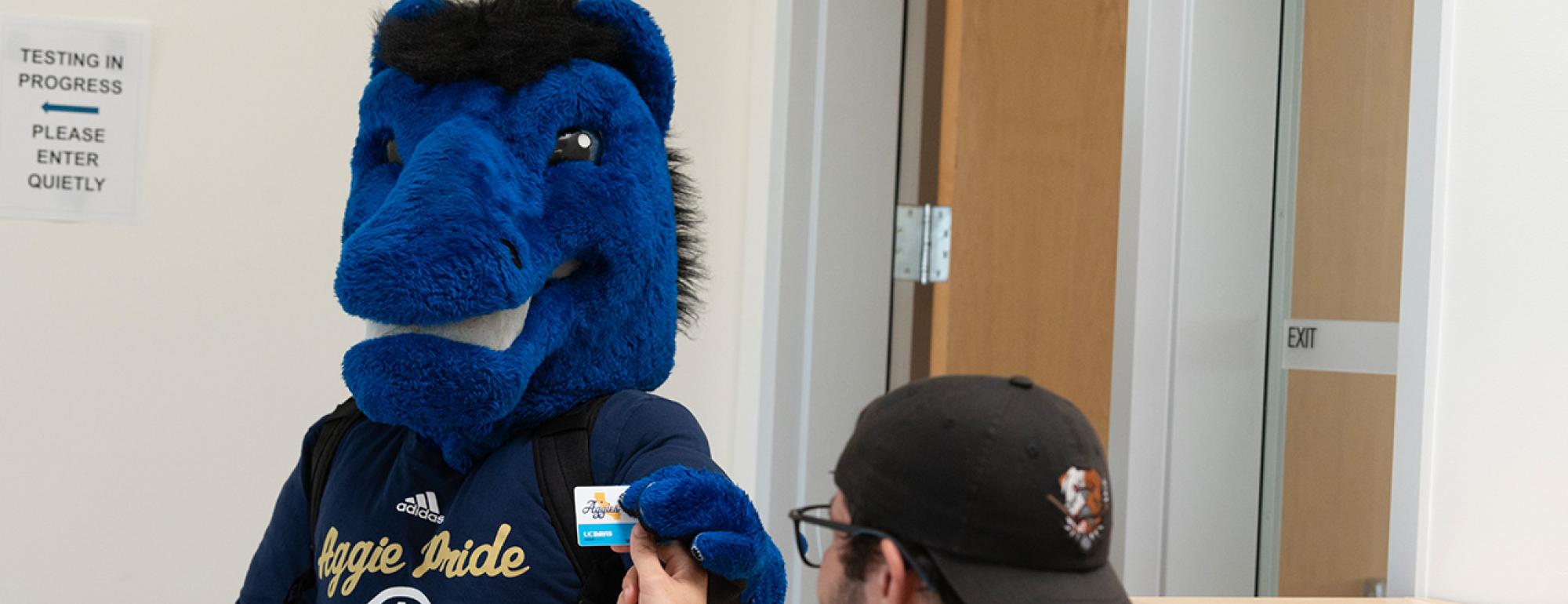
- Bring your Aggie ID. You must show it to check in for your exam.
- Check in at the front desk. Testing center staff will verify your identity and assign you a seat number.
- Place your belongings in the storage rack.
- Go to your assigned seat.
- Begin your exam when instructed by testing center staff.
- After you complete your exam, hand it in—along with any other materials you used—to testing center staff, who will check you out.